A clearer view of your running gear
Your rotation, tracked
Keep track of every pair, every run, and every mile. Add mileage manually or connect an activity source to bring your runs into RotationLab.
MANUAL FIRST SYNC OPTIONAL
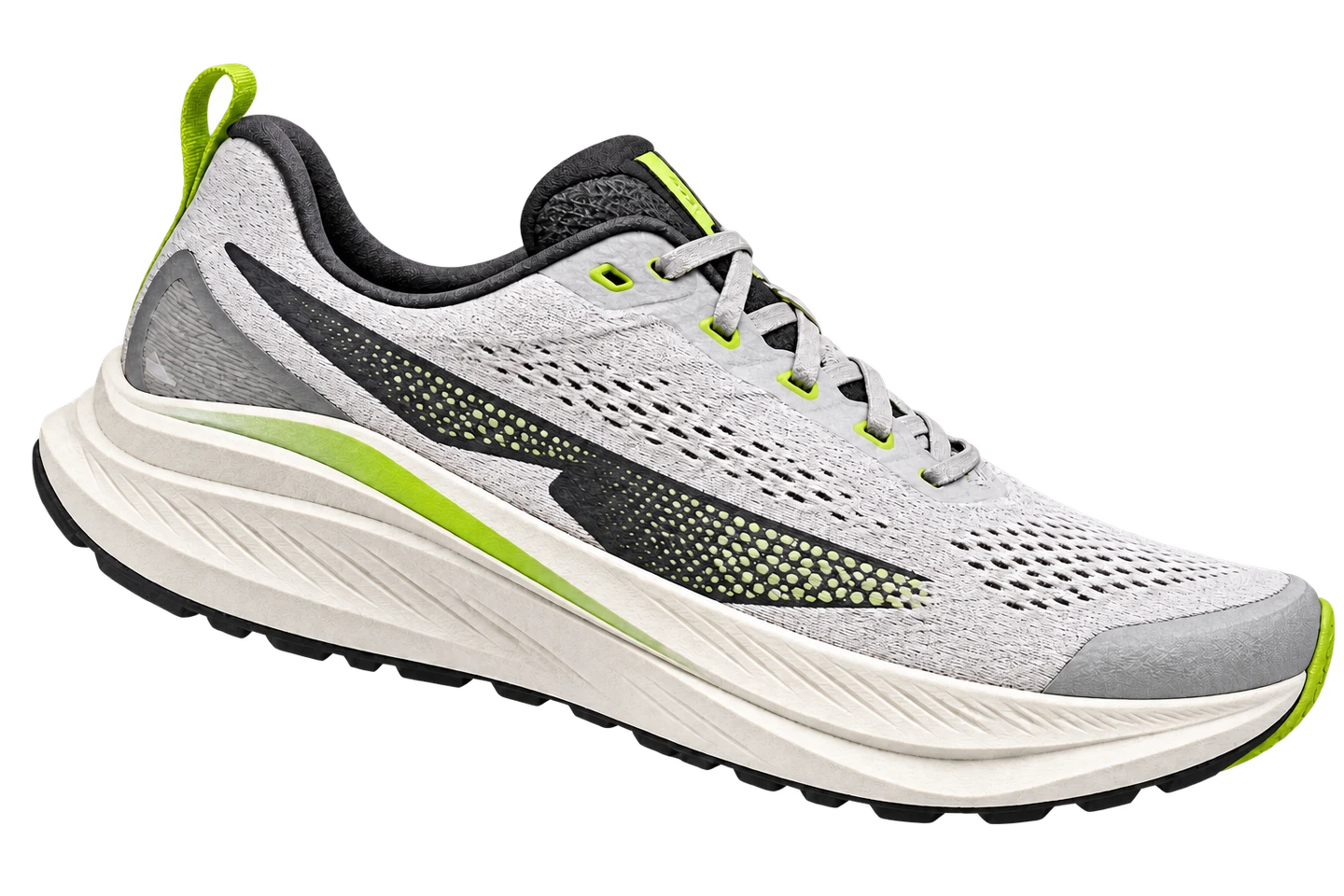
- PAIR DISTANCE
- 412 km
- LOGGED RUNS
- 68 runs
- LAST RUN
- 14.2 km
- ROTATION SHARE
- 31%
Mileage you can understand
Wondering how long your running shoes might last? Try the running shoe lifespan calculator for a mileage-based inspection guide.
Manual tracking works on its own
Create and manage your gear, and record or correct mileage without connecting an Activity Source.
Connect an activity source
Optionally connect an activity source to bring completed runs into RotationLab. On iPhone, Apple Health is currently supported with read-only access to running workouts only and excludes routes, GPS, vitals, and calories.
You decide what counts
New runs stay pending. Choose the shoe you wore or exclude the run. Mileage changes only after you confirm its attribution.
From the blog
How to track running shoe mileage
Keep each pair’s running shoe mileage up to date, use distance as one signal for shoe wear, and review optional Apple Health runs before they count.